
Loading...
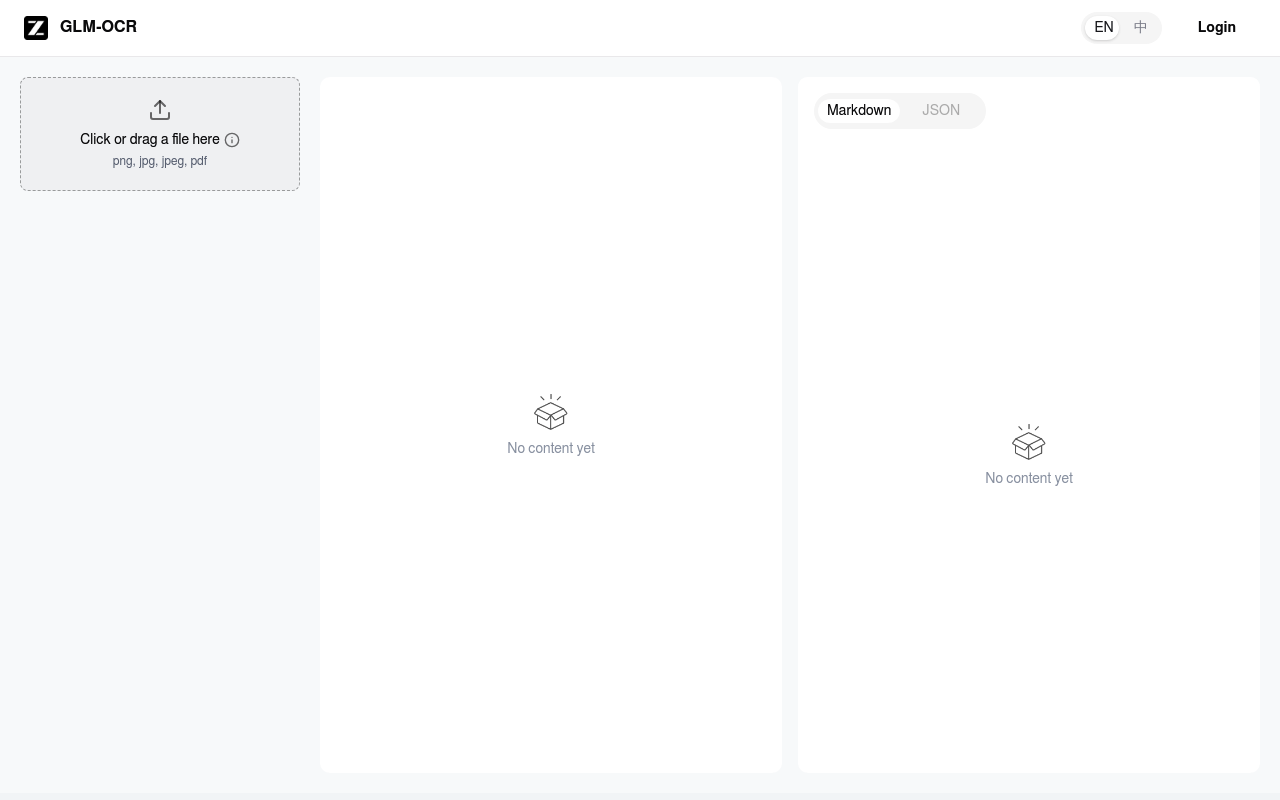
Extract text from images and PDFs with Ocr.z.ai, a fast and simple online OCR tool. Get accurate, editable text from any visual source.
Boost this tool
Subscribe to listing upgrades or segmented pushes.
Ocr.z.ai is a web-based Optical Character Recognition (OCR) tool that allows users to quickly and easily extract text from images and PDF documents. It simplifies the process of converting scanned documents, photos, and other visual media into editable text formats, saving time and effort. The primary benefit is its ease of use and accessibility, requiring no software downloads or installations.
To use Ocr.z.ai, users simply drag and drop or click to upload their files (PNG, JPG, JPEG, or PDF). The tool then processes the image or document and extracts the text, which is presented in a clean, editable format. Key features include support for common image and document formats, a drag-and-drop interface for easy uploading, and a straightforward output display.
Ocr.z.ai is ideal for students, researchers, office workers, and anyone who needs to convert visual content into editable text. It's a valuable tool for digitizing documents, extracting information from screenshots, or making image-based text searchable. Users would choose Ocr.z.ai for its speed, simplicity, and accessibility, especially when they need a quick and hassle-free OCR solution.
Best for individuals and professionals who need a quick and easy way to extract text from images and PDFs without the hassle of installing dedicated software.
Not ideal for users requiring advanced OCR features like multi-language support or complex layout preservation, as it seems to focus on simplicity and speed.